Speakr
The facilitation tool I use with every group client.
Speakr brings real-time structure to live group conversations. It generates an AI executive summary your client can act on before they've left the building.
Speakr brings real-time structure to live group conversations. It generates an AI executive summary your client can act on before they've left the building.
For years I ran sessions manually. There was a notepad for speaking time. There was a Sunday afternoon for writing up the summary. By the time I got it back to the client, the moment had cooled and the room had moved on. I wanted one tool that handled the mechanics so I could stay present in the room while it ran.
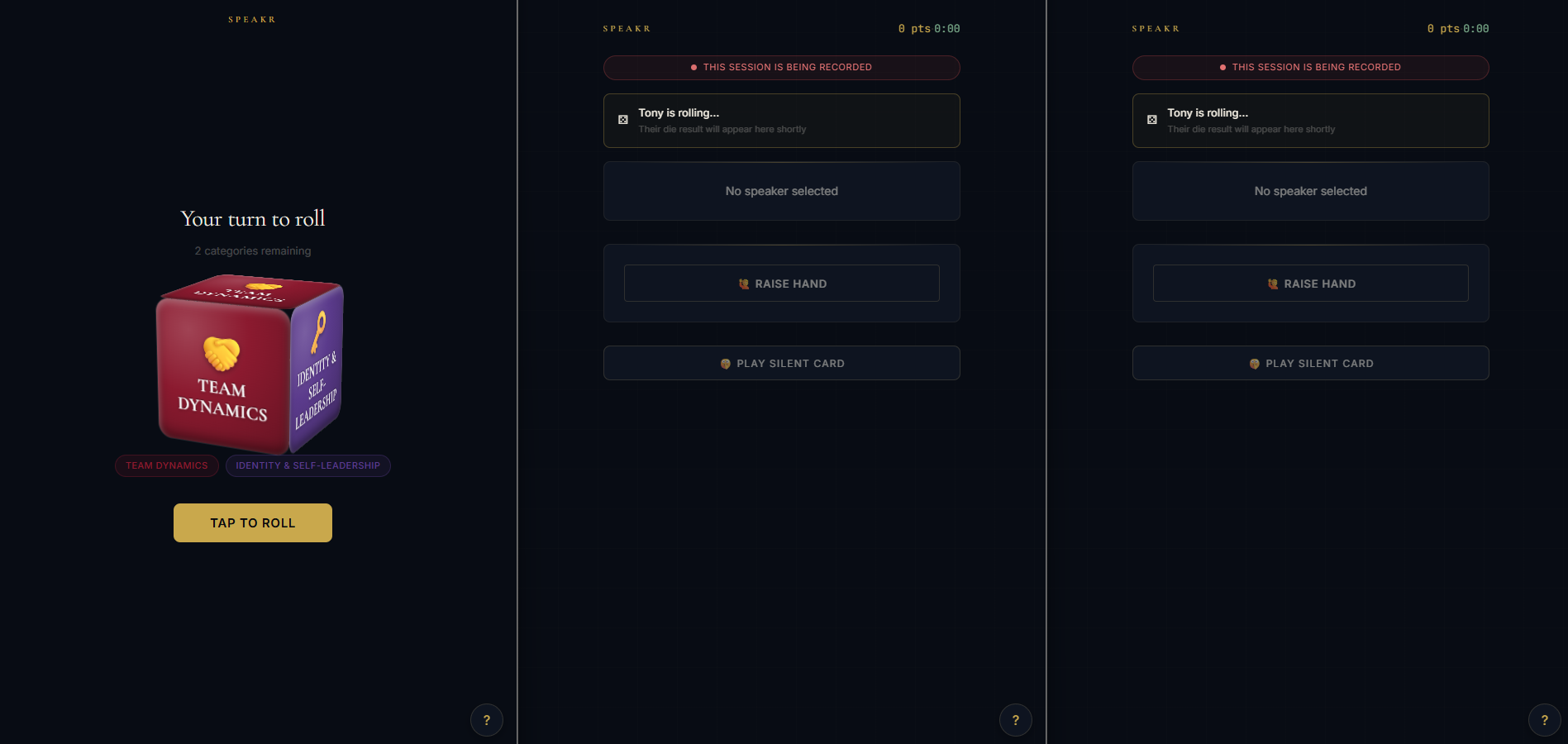
Speakr tracks who speaks and for how long. The conversation runs through question cards I've written, and each participant rolls a 3D die to land on their next category. When I press End, the AI summary lands in my drafts folder a minute later, ready to send.
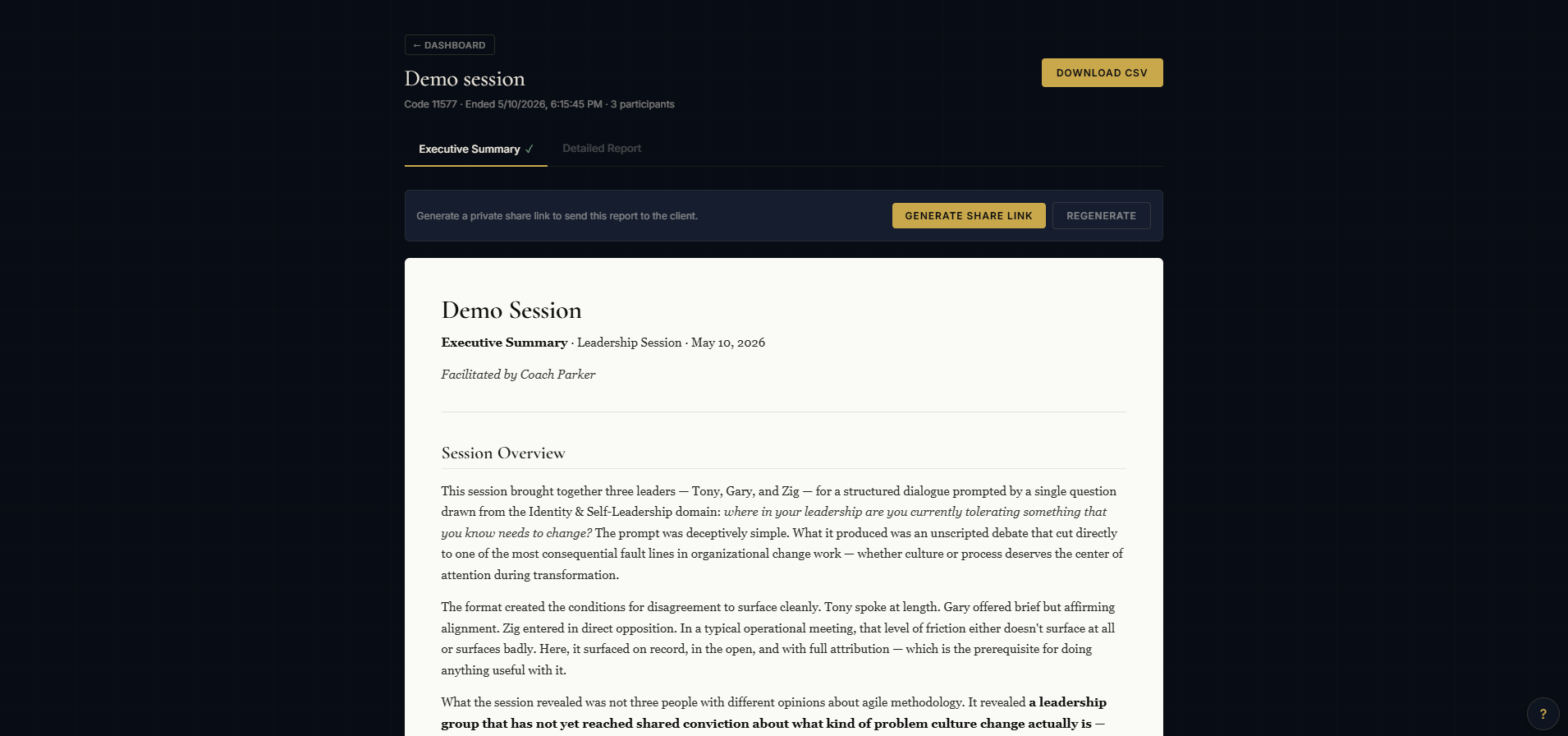
The AI summary is structured by the themes your deck defined. Each conversation thread gets its own section, with participant quotes embedded verbatim. The final section, Recommended Focused Initiatives, pulls the session's key decisions into concrete next steps.
Clients receive a clean private link. No login. Printable to PDF directly from the browser.
A 3D die assigns each participant their question category, so the rotation is fair and no voice gets buried.
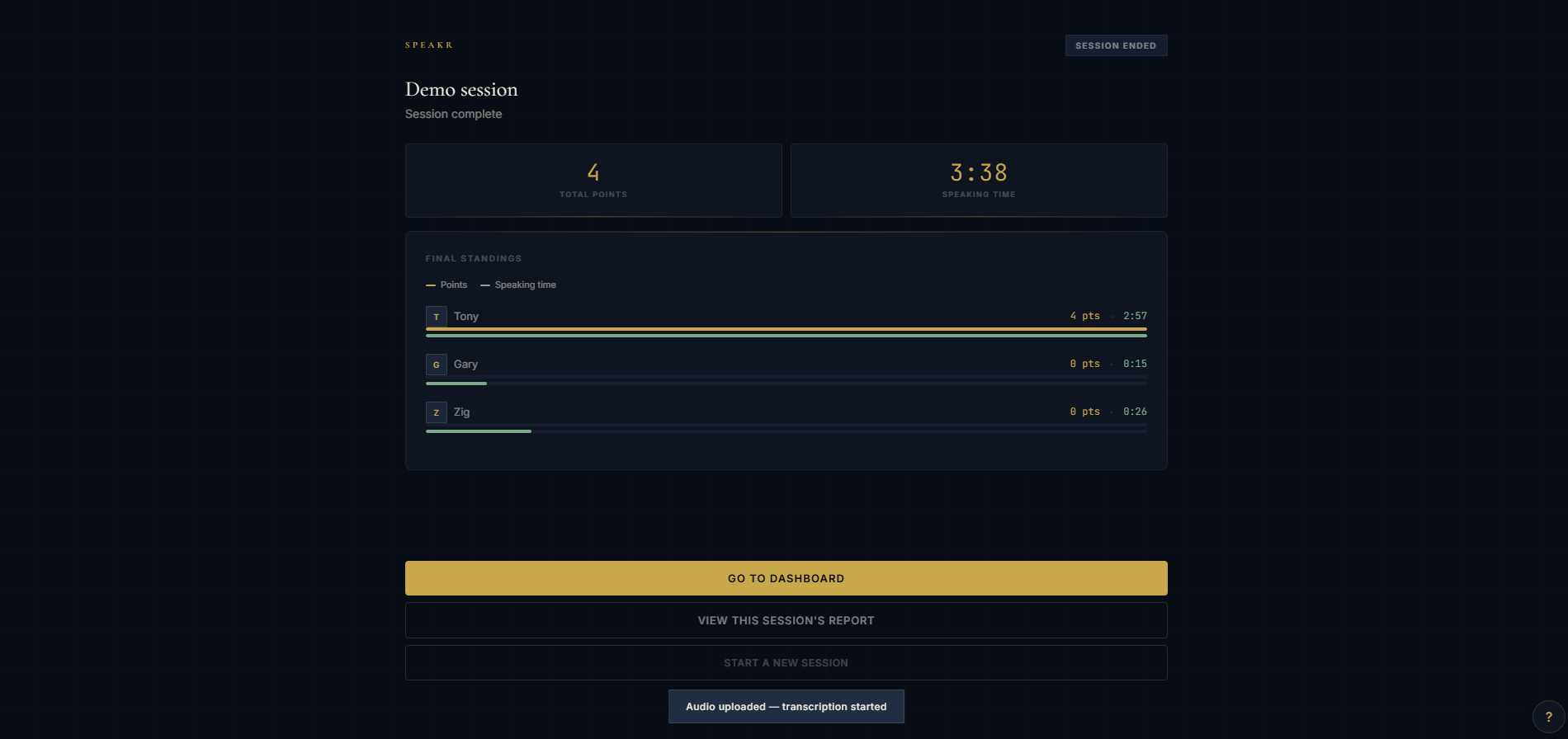
Real-time stopwatch per speaker. A dual-bar leaderboard shows balance across the room at a glance.
Peers award edification points mid-conversation. Facilitator awards reinforce key moments without interrupting the flow.
Deepgram handles the transcription. Claude turns the transcript into a structured report. By the time the room clears, the deliverable already exists.
Client reports live at secure URLs that can't be guessed without the link. One copy and you've shared it.
Name plus code and they're in the room. No app install. No account.
Create an account, build a deck, send the join code to your team. Free tier covers up to 6 participants for as many sessions as you want.
Get started free →I use Speakr in every group engagement I run. If you want to experience it from the participant seat, or hire me to facilitate for your team, let's talk.
Book a call →